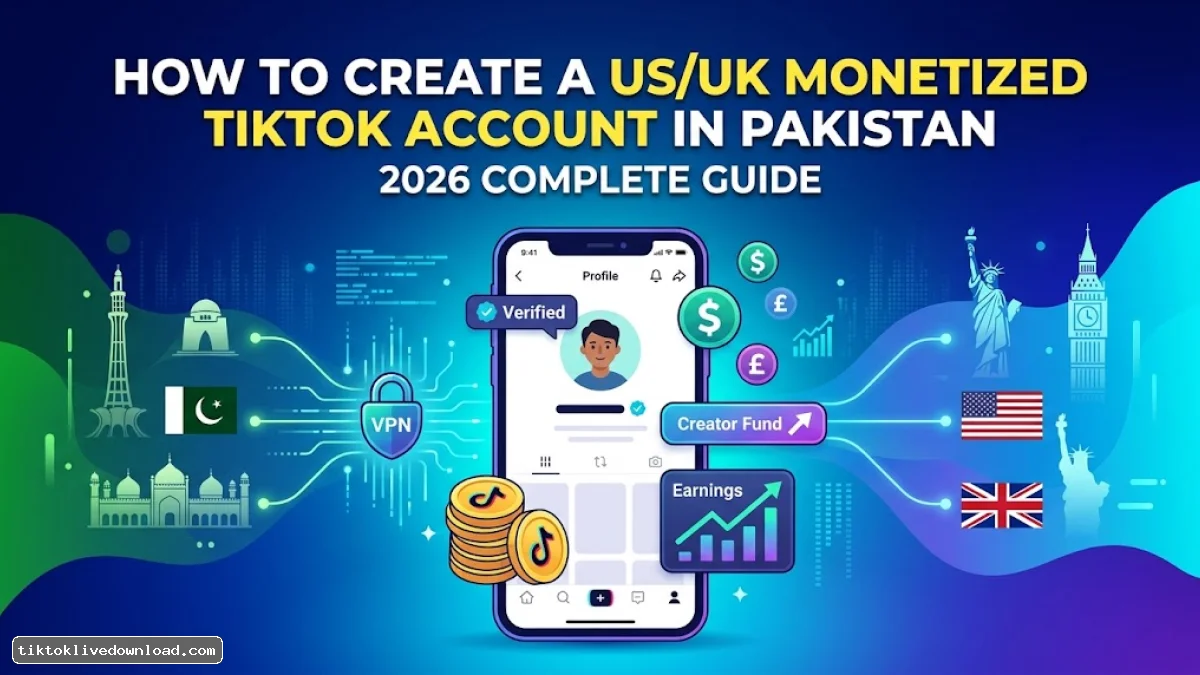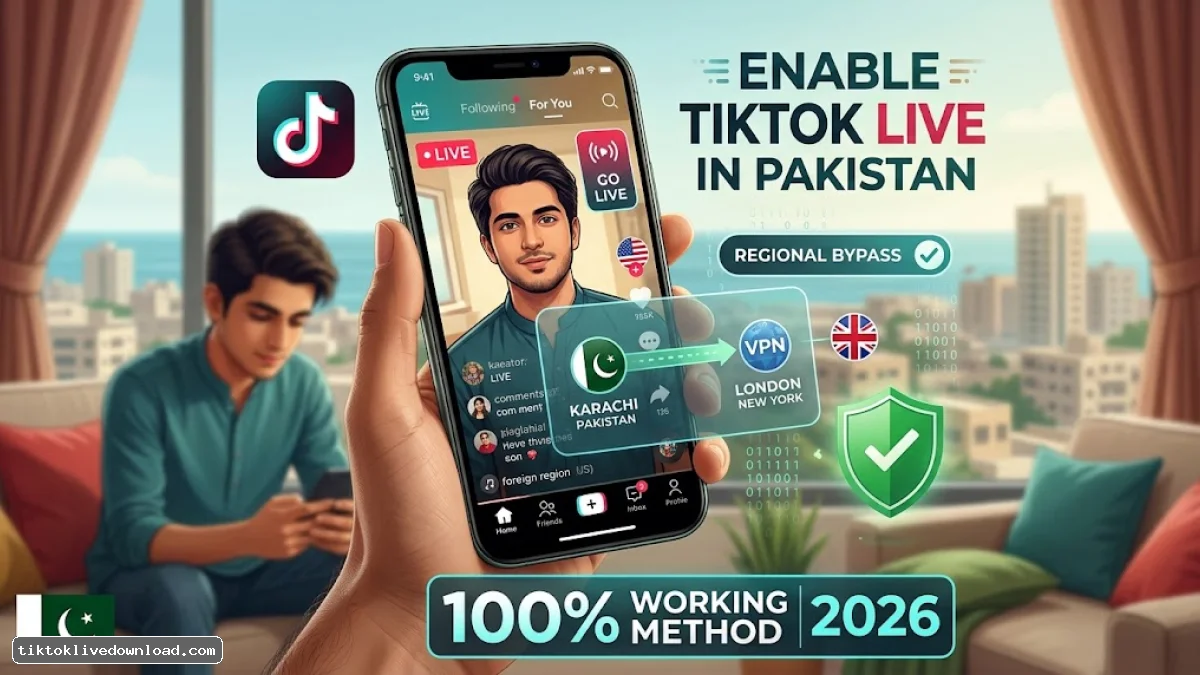
Direct Answer: To enable and watch TikTok LIVE streams in Pakistan, you must bypass local regional restrictions by using a foreign SIM card (US/UK/UAE) or connecting to a dedicated premium VPN (such as Surfshark, NordVPN, or ExpressVPN) with location services turned off. Alternatively, creators can join an authorized TikTok LIVE Agency to unlock the "Go LIVE" button on zero-follower accounts.
Due to local regulatory policies and TikTok's regional rollout restrictions, the LIVE feature—including live broadcasting, viewing feeds, and gifting—remains hidden or non-functional for standard mobile connections in Pakistan.
This step-by-step guide walks you through the only tested, safe, and working methods to restore the TikTok LIVE option on Android, iOS, and PC.
Minimum Account Eligibility Requirements
Before attempting any location bypass, ensure your TikTok account meets TikTok's global creator guidelines:
-
Age Limit: You must be at least 18 years old (verified via account date of birth).
-
Follower Threshold: Standard accounts require 1,000+ followers to broadcast (This requirement is waived if joining via an Agency or using a US/UK region account setup).
-
Account Standing: Zero active community guideline violations or active bans.
-
App Version: Latest official TikTok application installed (TikTok Lite does not support LIVE features).
Method 1: The Foreign Physical / eSIM Method (Most Reliable)
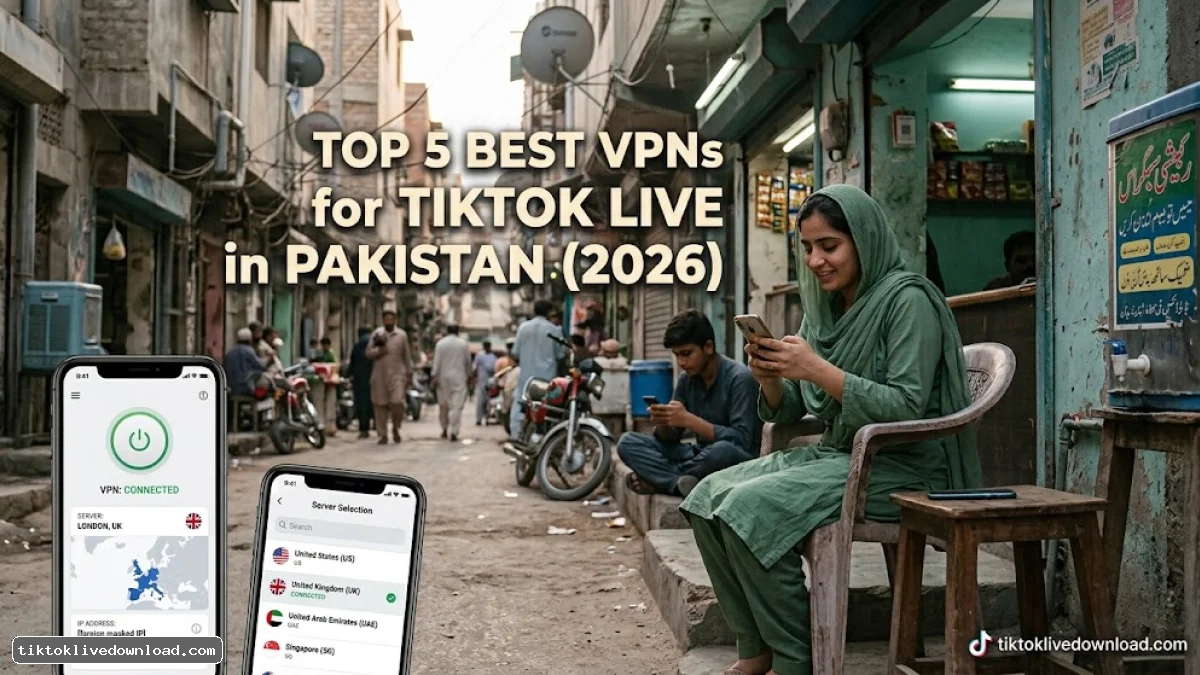
TikTok detects your regional presence primarily using your mobile device's MCC/MNC (Mobile Country Code) from your SIM card. Replacing or bypassing the local SIM signal provides the highest success rate.
Method 2: The VPN + Modded Setup (For Android Users)
If you do not have access to a foreign SIM card, you can use the location-spoofing method on Android devices.
| Requirement | Recommended Tool / Setting | Purpose |
| VPN Service | NordVPN / Surfshark / WireGuard | Changes IP address to an unrestricted region |
| Location Services | Turned OFF | Prevents TikTok from fetching GPS coordinates |
| Protocol | UDP or WireGuard | Lowers latency for smooth 1080p stream recording |
| Account Region | US / UK / MENA | Matches the VPN server location |
Steps to Configure:
-
Go to Settings > Location on your Android device and turn Location Services OFF.
-
Open your VPN app and connect to a United Kingdom or United States location.
-
Force stop the TikTok app via Settings > Apps > TikTok > Force Stop.
-
Relaunch TikTok. The LIVE feed will populate on your FYP (For You Page), and the option to record/download streams will be fully functional.
Method 3: Joining a TikTok LIVE Agency (For Pakistani Creators)
Pakistani content creators who want to stream professionally without relying on SIM tricks can join an official TikTok LIVE Agency (MCN).
Joining an agency bypasses the 1,000-follower requirement and unlocks the official broadcast dashboard directly in Pakistan.
-
Obtain an Agency Invite Link / QR Code: Reach out to verified regional agencies operating in the MENA or UK region.
-
Complete a 30-Minute Trial Live: Connect to a foreign Wi-Fi/VPN setup and complete an uninterrupted 30-minute test broadcast showing your face clearly on camera.
-
Accept Agency Invitation: Once approved, check your TikTok Inbox > System Notifications, accept the agency contract, and the Go LIVE button will permanently bind to your profile.
Troubleshooting Common TikTok LIVE Errors in Pakistan
1. "LIVE Option Disappeared Suddenly"
-
Cause: The app detected your local Pakistani IP address via background sync.
-
Fix: Close TikTok, clear background memory, reconnect your VPN, turn Airplane Mode ON/OFF (keeping Wi-Fi connected), and relaunch the app.
2. "Network Error / Stream Buffering"
-
Cause: High latency or IP block on free VPN servers.
-
Fix: Switch your VPN protocol to WireGuard or switch to a less congested server location (e.g., UAE or Singapore instead of US West).
3. "Cannot Send / Receive Virtual Gifts"
-
Cause: Wallet payment regional conflict between your Google Play / App Store region and your TikTok account region.
-
Fix: Ensure your payment profile is set to the same country as your TikTok account region.