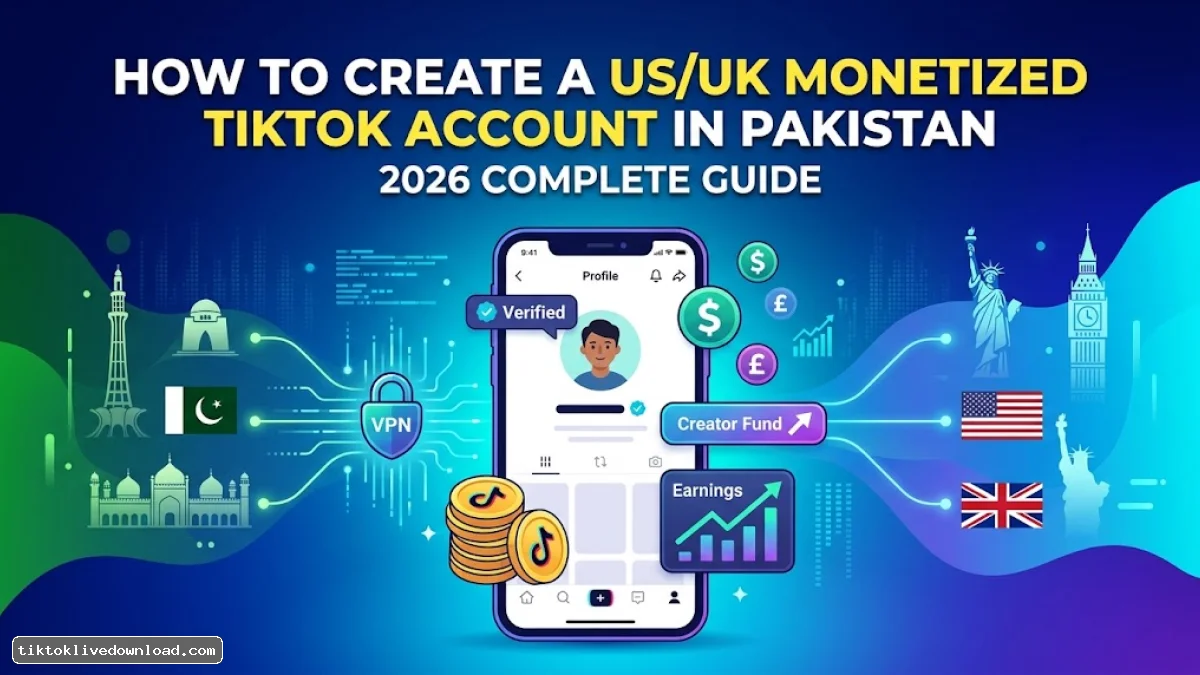
The TikTok Creator Rewards Program (which replaced the Creativity Program Beta) stands as one of the most lucrative income models for digital creators. While TikTok allows Pakistani creators to go LIVE or run local affiliate offers, video view monetization via the Creator Rewards Program remains unavailable for native Pakistani accounts.
To overcome this restriction, Pakistani creators set up US or UK-targeted monetized accounts. These accounts unlock high Revenue Per Mille (RPM) rates, allowing you to earn between $0.40 and $1.50+ per 1,000 qualified views.
This comprehensive guide outlines how to create, set up, manage, and scale an international monetized TikTok account while operating safely from Pakistan.
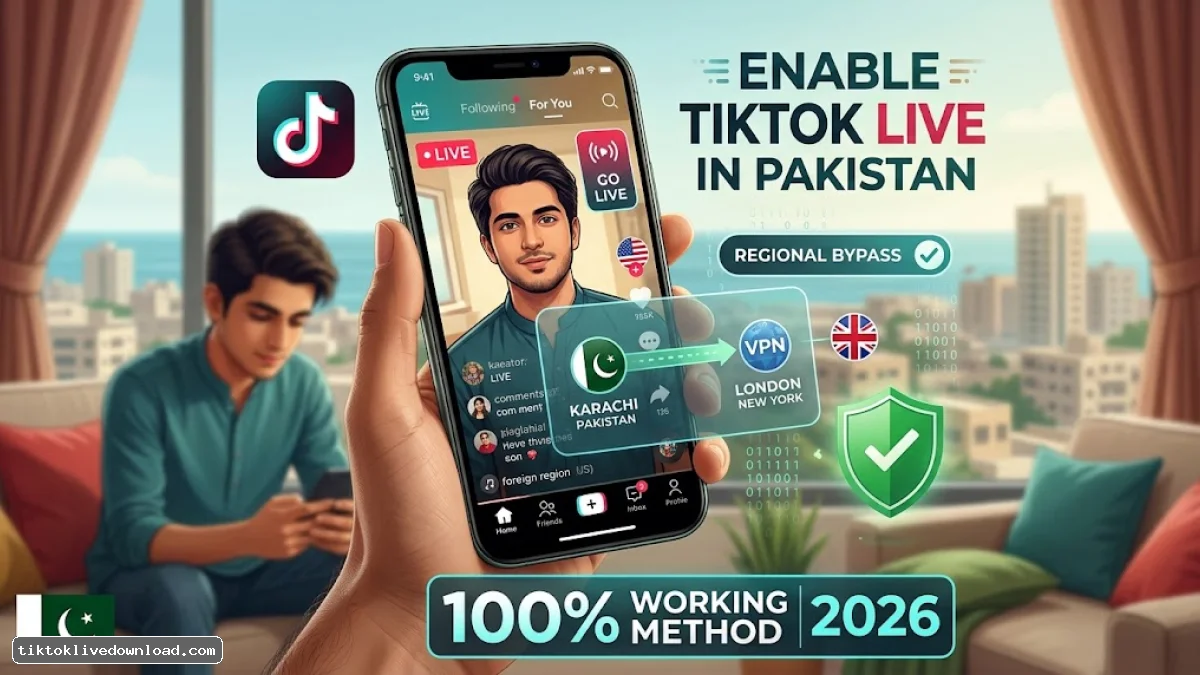
1. Prerequisites: What You Need Before Registration
Attempting to register an international account using a standard Pakistani mobile network or IP address will result in your account being tagged with a local region code, rendering it ineligible for rewards. Prepare these requirements before setup:
-
Dedicated Secondary Device: Reset an Android phone or iPhone to factory settings. Alternatively, use an isolated browser profile (e.g., Chrome, Brave) on a PC.
-
Fresh Google Account: Register a new Gmail account without linking a Pakistani phone number during recovery options.
-
Premium Static VPN or Proxy: Use a reputable service providing a dedicated or static IP address in the US or UK (avoid low-quality free VPNs, as shared IPs trigger fraud flags).
-
Foreign Identity / Tax Details (For Final Payout Setup): While registration requires no immediate foreign documentation, tax forms (W-8BEN for US or UK self-assessment profiles) will be required once you apply for payout distributions.
2. Step-by-Step International Account Setup
Follow these exact steps to ensure TikTok's internal geo-location trackers index your account as a US or UK profile.
Step 1: Prepare the Device Environment
-
Remove all physical SIM cards from your mobile device.
-
Turn off Location Services (GPS) across all device system settings.
-
Adjust the system Time Zone to your target region (e.g., GMT / London for a UK profile, or Eastern Time / New York for a US profile).
-
Connect to your Premium VPN and secure a static server connection in London or New York.
Step 2: Account Creation
-
Open a clean browser window in Incognito Mode or launch a freshly installed TikTok app.
-
Click Sign Up and select Use Phone or Email.
-
Choose the Email tab (do not register using a mobile phone number).
-
Enter a birth date showing you are at least 18 years old.
-
Enter your new Gmail address, complete the verification code, and establish a password.
Step 3: Verify the Monetization Dashboard
-
Log in to your new profile, navigate to Profile, and tap the Menu (☰) icon in the top right corner.
-
Select TikTok Studio (or Creator Tools).
-
Check the monetization section. You should see options like Creator Rewards Program, TikTok Shop for Creator, and Series listed. If these options appear, your account is correctly registered under the foreign region.
3. TikTok Creator Rewards Program: Eligibility & Requirements
Once your foreign account is registered, you must meet specific metrics to activate monetization:
| Criterion | Mandatory Requirement | Key Guidelines |
| Minimum Age | 18+ Years Old | Must match legal ID verification during tax setup. |
| Follower Count | 10,000 Authentic Followers | Must be organic; bot followers lead to disqualification. |
| 30-Day Video Views | 100,000 Qualified Views | Across all videos in the previous 30 days. |
| Video Length | 60 Seconds Minimum (1 min+) | Videos under 60 seconds generate $0.00. |
| Content Integrity | Original Content Only | Stitches, Duets, and stolen re-uploads do not qualify. |
4. Understanding RPM and How to Maximize Payouts
RPM (Revenue Per Mille) represents your gross earnings per 1,000 qualified video views. Not all views count as "qualified". A view is counted as qualified if the user watches past the first 5 seconds, resides in an eligible region, and watches an original 60+ second video.
Gross Earnings = (Qualified Views / 1,000) x Account RPM
High-RPM Niches vs. Low-RPM Niches
The niche you select directly impacts advertiser bidding rates on your content:
-
High-RPM Niches ($1.00 – $2.00+ RPM): Personal Finance, Business, Software/AI Tools, E-Commerce, Tech Reviews, Real Estate.
-
Moderate-RPM Niches ($0.50 – $0.90 RPM): Educational Tutorials, Life Hacks, DIY & Crafting, Automotive, Fitness.
-
Low-RPM Niches ($0.20 – $0.45 RPM): Viral Memes, General Comedy Skits, Gaming Clips, Movie Clips.
Content Strategies to Boost RPM in Pakistan
-
Target Tier-1 Geographic Audiences: Produce content in clear English or with English text overlays so the algorithm distributes your clips to users in the US, UK, Canada, and Australia.
-
Optimize Video Retention: Create strong hooks in the first 3 seconds to keep users watching beyond 30 seconds. High watch time signals high viewer retention, boosting video RPM.
-
Build 60–90 Second Videos: While videos must be at least 1 minute, aiming for 75 to 90 seconds provides a safety buffer against mid-video viewer drop-offs.
5. Safely Managing the Account from Pakistan
TikTok regularly checks IP ranges and device telemetry to detect location manipulation. Maintain account stability by adhering to these guidelines:
-
Always Enable Your VPN Before Opening TikTok: Never open the TikTok app or web portal on a local Pakistani IP address.
-
Maintain IP Consistency: Stick to a single VPN provider and city location (e.g., always connect to a London node) rather than hopping between different countries daily.
-
Do Not Insert a Local Pakistani SIM Card: Keep physical SIM cards out of dedicated mobile devices to prevent network tower geolocation leaks.
6. How to Withdraw USD Earnings to Pakistan
When your balance clears TikTok's monthly processing cycle, transfer funds to your local bank account via Payoneer:
TikTok Balance (USD/GBP) ──► Payoneer Account ──► Local Pakistani Bank / JazzCash / Easypaisa
Steps to Link Payout Method:
-
Open a Payoneer Account: Register a Payoneer account using your official Pakistani CNIC and local commercial bank account details.
-
Fill Out W-8BEN Tax Form: In your TikTok Payout Tax Setup, select Non-US Resident, enter your name, and submit the W-8BEN form using your Pakistani tax details/CNIC.
-
Link Payoneer to TikTok Studio: In the Payout settings within TikTok Studio, connect your verified Payoneer account.
-
Local Bank Withdrawal: Once funds reach Payoneer, transfer USD/GBP into PKR directly to local Pakistani banks, JazzCash, or Easypaisa at real-time exchange rates.