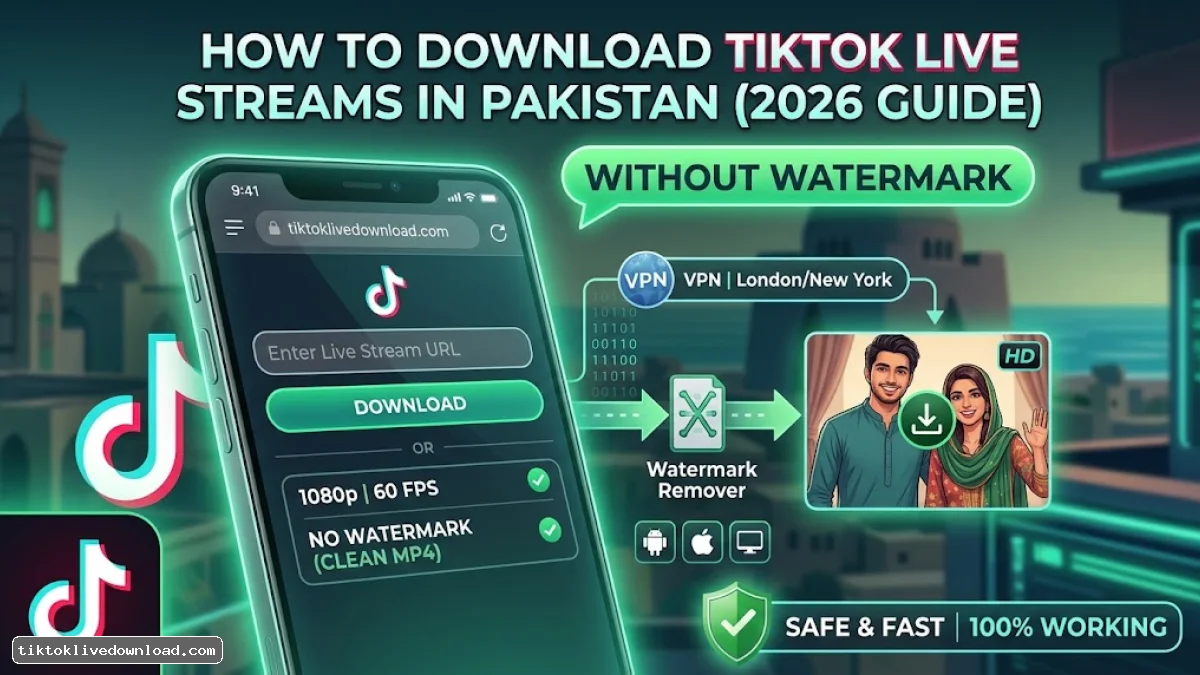
Direct Answer: To download TikTok LIVE streams in Pakistan without watermark, you must bypass local network restrictions using a dedicated VPN (such as Surfshark or WireGuard) and fetch the live playback link using an online stream downloader or screen recorder app. Because standard TikTok downloaders only support regular posts, capturing LIVE streams requires grabbing the live replay URL from your account or recording the live feed directly in 1080p HD.
Due to local ISP blocks and regional restrictions in Pakistan, downloading or saving live streams often triggers errors such as "Video Unavailable" or fails to complete.
This guide details the exact methods for extracting, recording, and downloading TikTok LIVE streams in Pakistan without logos or watermarks.
Prerequisites for Pakistani Users
Before attempting to extract a live stream, ensure your environment is configured correctly:
-
Active Location Bypass: You must run an active VPN connected to a region where TikTok LIVE is fully functional (e.g., UK, USA, or UAE).
-
Network Stability: Live stream extraction requires high bandwidth. Switch to a 5GHz Wi-Fi connection or stable 4G network.
-
Storage Space: A 1-hour 1080p live stream consumes approximately 1.2 GB to 2.5 GB of device storage.
Method 1: Downloading Your Own TikTok LIVE Replays (Official HD Method)
If you are a content creator in Pakistan wanting to download your own broadcast without watermarks or overlay UI, TikTok automatically stores your stream in the LIVE Center for up to 30 days.
Method 2: Downloading Someone Else’s TikTok LIVE Stream (3rd Party Web Tools)
If you want to save someone else's live broadcast in Pakistan, standard video downloaders won't recognize live stream URLs. You must use specialized live extraction tools:
| Tool Type | Recommended Tool | Platform | Watermark Free? |
| Web Extractor | SSSTik / SnapTik Live / TikMate | Browser (Mobile & PC) | Yes (Extracts raw MP4) |
| Android App | AZ Screen Recorder / XRecorder | Android 10+ | Yes (Clean interface mode) |
| PC Software | OBS Studio / Streamlink | Windows / macOS | Yes (Lossless quality) |
Steps to Extract via URL:
-
Open TikTok while connected to your VPN and go to the target LIVE stream.
-
Tap the Share button at the bottom right and select Copy Link.
-
Open your browser and navigate to
tiktoklivedownload.com(or an equivalent web downloader). -
Paste the live stream URL into the input field and tap Download.
-
Select Download HD (No Watermark) to save the video file directly to your local storage.
Method 3: Clean Screen Recording in 1080p (When Direct Download Fails)
When a creator disables stream saving or uses geo-restricted settings, direct downloading can fail. You can record the stream cleanly using TikTok’s Clear Display Mode.
-
Join the TikTok LIVE stream while connected to your VPN.
-
Long-press on the center of the video screen.
-
Select Clear Display from thepop-upp menu. This hides all comments, gift icons, creator names, and watermarks.
-
Swipe down your Android/iOS quick settings panel and activate the built-in Screen Recorder at 1080p / 60 FPS.
-
Stop recording when finished and trim the start/end keyframes in your gallery.
Troubleshooting Download Failures in Pakistan
1. "Link Not Supported or Stream Expired"
-
Cause: The live stream ended before the server finished processing the video link, or your local Pakistani IP leaked.
-
Fix: Verify your VPN is actively tunneling all browser traffic. If the stream has ended, wait 15–30 minutes for the creator's server buffer to finalize before pasting the link into the downloader.
2. "Low Resolution / Pixelated Download"
-
Cause: TikTok dynamically scales down stream quality during high network latency on VPN connections.
-
Fix: Switch your VPN protocol to WireGuard or UDP to reduce packet loss, and ensure the target country server is physically closer to Pakistan (e.g., UAE or Singapore).